
5 Ways Kanban Boards Transform Team Productivity
Discover how visual task management with Kanban boards can help your team work smarter, eliminate bottlenecks, and ship projects faster.
Why Kanban Works
Visual task management isn't just a trend—it's a fundamental shift in how teams organize work. When everyone can see what's happening at a glance, communication improves and bottlenecks disappear.
1. See Everything at Once
Kanban boards give you instant visibility into your team's workload. No more meetings to figure out who's working on what. Open the board, and you know exactly where every task stands—from backlog to completed.
This transparency helps teams identify problems early. If one column is overflowing while another sits empty, you know there's a bottleneck that needs addressing.
2. Limit Work in Progress
One of Kanban's most powerful principles is limiting work in progress (WIP). When team members focus on finishing tasks before starting new ones, projects move faster and quality improves.
In TaskLemon, you can customize your board columns and statuses to match your workflow. Whether you use "To Do → In Progress → Review → Done" or something more complex, the system adapts to how your team works.
3. Reduce Context Switching
Every time someone switches between tasks, they lose focus and momentum. Kanban boards help teams stay focused by making priorities crystal clear. When a task moves to "In Progress," everyone knows that person is heads-down on that work.
4. Real-Time Collaboration
With TaskLemon's live updates, changes appear instantly for everyone on your team. When someone moves a task from "In Progress" to "Review," the reviewer sees it immediately—no refresh needed.
This real-time sync eliminates the confusion that comes from outdated information and keeps everyone aligned.
5. Track Progress Without Meetings
Daily standups become simpler when everyone can see the board before the meeting. Team members can quickly scan what moved yesterday, what's blocked, and what's coming next.
For distributed teams especially, this visual system replaces dozens of status update messages and keeps everyone informed without constant interruptions.
Getting Started with Kanban
If you're new to Kanban, start simple. Create columns for your basic workflow stages, add your tasks, and let your team start moving cards. You'll quickly discover what works and what needs adjustment.
TaskLemon's flexible status system means you can customize your board as your process evolves. Add custom statuses, change colors, and organize columns to match exactly how your team works.
Ready to see the difference? Create your first Kanban board in TaskLemon and watch your team's productivity soar.

TaskLemon Team
Content author at Task Lemon
Related Articles

Best Task Management Apps for 2026: A Practical Comparison
This guide compares personal and team oriented task management software for developers and growing teams. Review AI features, pricing, free access, and workflow fit before choosing your next task platform.
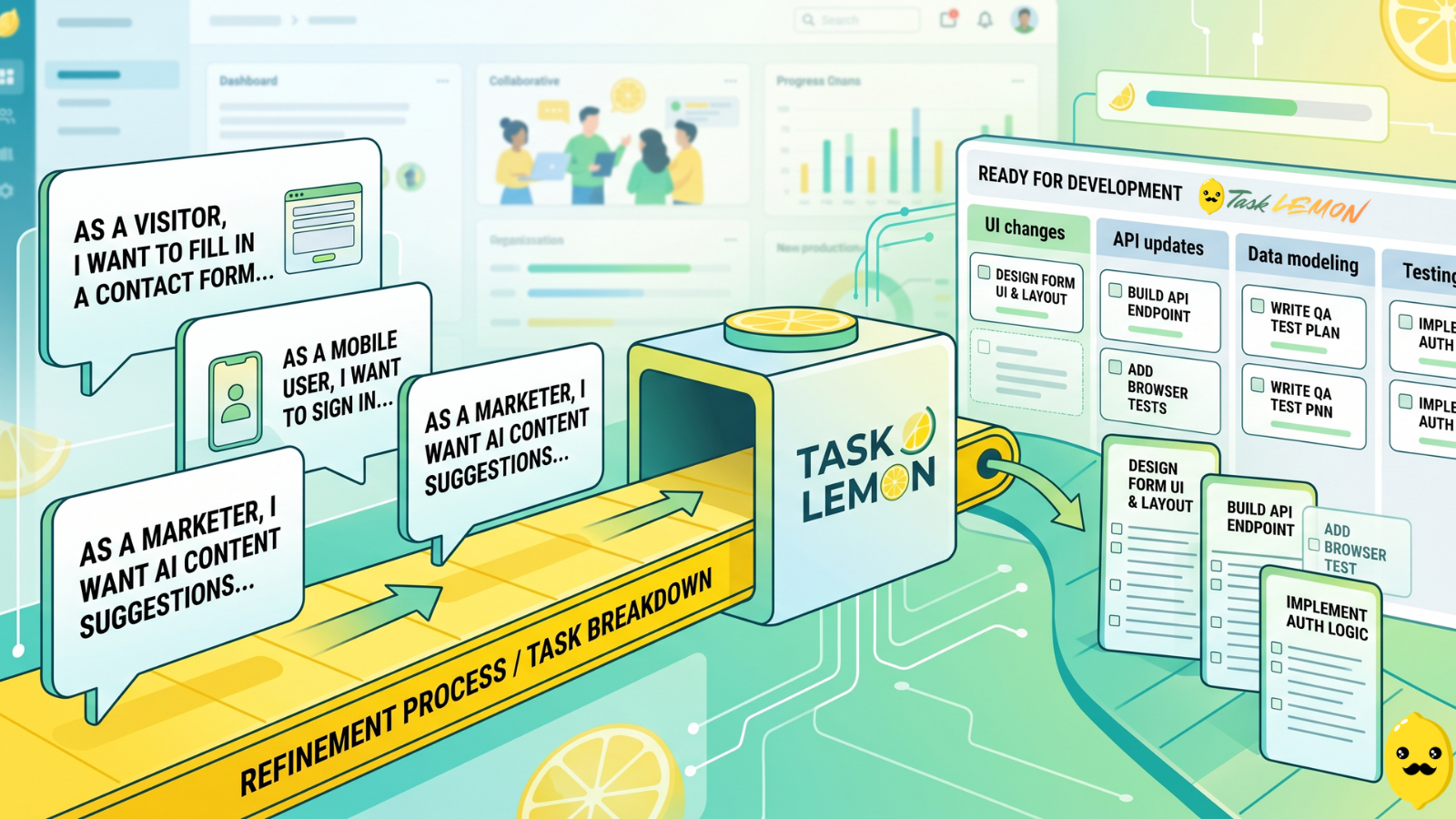
How To Turn User Stories Into Actionable Tasks In Task Lemon
Whether you are a freelancer, an agency, or a cross-functional product team, this guide shows you a repeatable, jargon-free way to take any user story and turn it into real, trackable tasks. Read on to discover how to set up your workflow, slice work vertically, and move your next big idea from the backlog to a shipped feature.

Mastering Project Management for Dev Teams: Collaboration, Fewer Mistakes, Higher Productivity
Learn how to build a lightweight project blueprint, break features into clear, manageable tasks, and adopt short development cycles to keep your team aligned. Plus, discover how using simple tools like Task Lemon can help you visualize progress, catch bugs early, and boost real productivity.