
Task Priorities: Low, Medium, High, or Critical?
Not everything is urgent. Learn how to assign task priorities correctly so your team focuses on what truly matters.
The Priority Problem
When everything is marked "High Priority," nothing actually is. Teams that abuse priority levels create noise instead of clarity, and important work gets lost in the chaos.
Here's how to use priorities effectively.
Critical: The Sky Is Falling
Use for: Production outages, security vulnerabilities, or anything that stops core business functions.
Real examples:
- Website is completely down
- Payment processing broken
- Data breach detected
- Critical client demo failing
Rule: If you have more than 2-3 critical tasks at once, something's wrong. Either your priorities are off, or you need to escalate for more resources.
High: Important and Time-Sensitive
Use for: Tasks with real deadlines that directly impact business goals or client commitments.
Real examples:
- Client deliverable due this week
- Feature needed for upcoming product launch
- Quarterly report due to executives
- Interview candidate needs response today
Rule: High priority tasks should have specific deadlines and clear consequences if missed.
Medium: Standard Work
Use for: Most of your tasks. Important work that moves projects forward but isn't time-critical.
Real examples:
- Writing documentation
- Refactoring code
- Design exploration
- Team meeting prep
Rule: Medium priority is your default. If you're unsure, start here.
Low: Nice to Have
Use for: Tasks that add value but won't be missed if they sit for a while.
Real examples:
- Update old blog posts
- Organize team photos
- Research new tools
- Polish UI that's already functional
Rule: Low priority tasks often get done in downtime between bigger projects or when someone needs a mental break from intense work.
Making Priorities Actionable
In TaskLemon, you can filter your board by priority to focus on what matters most. Overwhelmed by a long task list? Show only High and Critical tasks. Suddenly, you know exactly where to focus.
You can also create custom task priorities if your team needs more granular options. Maybe you want "Urgent" between High and Critical, or "Someday" below Low. TaskLemon adapts to your workflow.
Review Priorities Weekly
Priorities shift as projects evolve. What was high priority last week might be medium now. Set aside time each week to review and adjust.
This prevents priority creep where everything slowly becomes "High" until the label loses meaning.
The Bottom Line
Use priorities as a tool for focus, not anxiety. The goal is helping your team make smart decisions about what to work on next, not creating artificial urgency.
When everyone understands what Critical, High, Medium, and Low actually mean, your team operates more smoothly and wastes less time wondering what to do next.

TaskLemon Team
Content author at Task Lemon
Related Articles

Best Task Management Apps for 2026: A Practical Comparison
This guide compares personal and team oriented task management software for developers and growing teams. Review AI features, pricing, free access, and workflow fit before choosing your next task platform.
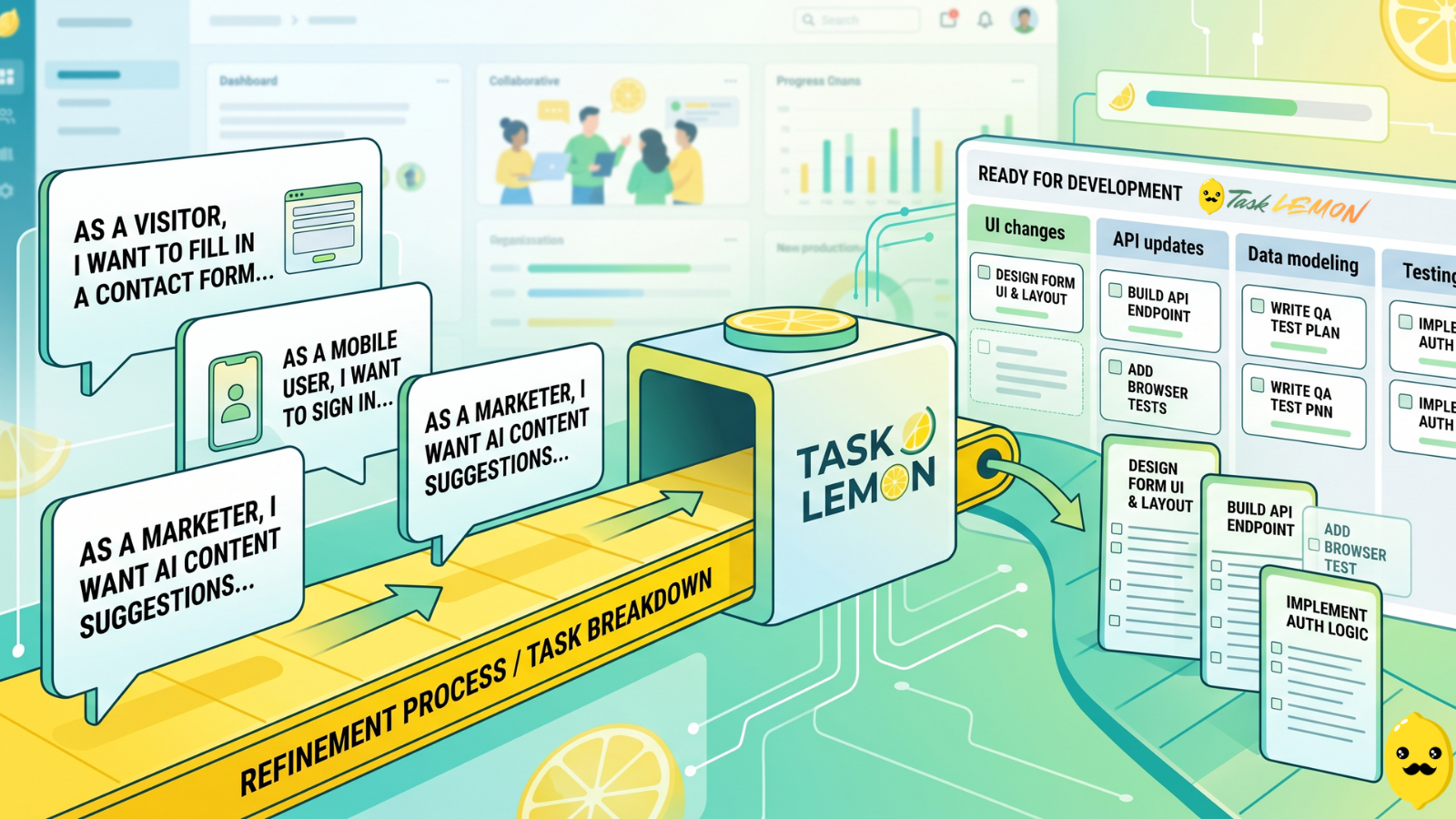
How To Turn User Stories Into Actionable Tasks In Task Lemon
Whether you are a freelancer, an agency, or a cross-functional product team, this guide shows you a repeatable, jargon-free way to take any user story and turn it into real, trackable tasks. Read on to discover how to set up your workflow, slice work vertically, and move your next big idea from the backlog to a shipped feature.

Mastering Project Management for Dev Teams: Collaboration, Fewer Mistakes, Higher Productivity
Learn how to build a lightweight project blueprint, break features into clear, manageable tasks, and adopt short development cycles to keep your team aligned. Plus, discover how using simple tools like Task Lemon can help you visualize progress, catch bugs early, and boost real productivity.