
Best Task Management Apps for 2026: A Practical Comparison

This guide compares personal and team oriented task management software for developers and growing teams. Review AI features, pricing, free access, and workflow fit before choosing your next task platform.
TL;DR
Todoist and MS To Do suit personal tasks, while ClickUp, Asana, and monday.com manage complex team workflows. Trello offers visual boards, Notion merges docs with databases, and Task Lemon provides an all-in-one flat-rate hub. Compare free plans to pick the best task manager for your specific needs.
A simple to-do list can keep a developer focused, but it breaks down when bugs, releases, documentation, and team feedback pile up. Task management software makes work visible without turning every sprint into an admin project.
This 2026 comparison looks at personal task capture, team collaboration, views, integrations, time tracking, artificial intelligence features, free plans, pricing models, and overall fit. Pricing and AI access change often, so confirm plan details before buying. For teams that want tasks, chat, files, time, and reporting in one place, Task Lemon's project management features are worth a look.
The right productivity tools should fit your work habits, not force you into somebody else's process.
Best Task Management Apps for 2026
App | Best for | Free access or starting plan | Standout features | AI approach | Main limitation |
Todoist | Personal planning | Beginner free, confirm paid plans | Fast capture and recurring tasks | Plan-based tools | Limited project control |
ClickUp | Complex teams | Free Forever | Broad views, subtasks, and automations | Paid AI layers | Can feel dense |
Asana | Structured projects | Personal free | Ownership and task dependencies | Confirm current access | Less flexible than docs-first tools |
Trello | Visual boards | Free option, confirm limits | Simple Kanban cards | Confirm current access | Limited for complex planning |
Notion | Docs plus tasks | Free option | Custom databases and linked pages | Confirm current access | Requires setup |
Microsoft To Do | Microsoft users | Free | My Day planning and shared lists | No advanced work hub | Basic collaboration |
Visual workflows | Confirm current plans | Custom status boards and automations | Confirm current access | Seat rules may apply | |
Task Lemon | Smaller teams | Free Solopreneur tier | Tasks, chat, files, and reports | Verify live availability | Smaller ecosystem |
Todoist is the best simple task manager for personal productivity
Todoist makes capture quick with natural-language dates. Its natural language processing interprets phrases such as “tomorrow” or “every Friday” without extra steps. It also supports recurring tasks, reminders, filters, boards, and cross-platform apps. Calendar integration connects it with Google Calendar, Outlook, Slack, Zapier, and IFTTT.
Its Beginner plan is free, making it a practical free plan for personal use. Todoist lists Pro at $7 monthly or $60 yearly, while Business is listed at $10 per user monthly or $8 per user monthly when billed yearly. AI-assisted capture, email help, and document-based task creation vary by plan, so check current terms.
ClickUp is the best all-in-one app for complex team workflows
ClickUp combines tasks, docs, dashboards, custom dashboards, automations, planning views, resource management, time tracking, and direct imports from Asana, monday.com, Jira, Trello, Basecamp, Todoist, Wrike, and Confluence. It also offers more than 1,000 integrations, along with workflow automation for repetitive processes.
Its Free Forever tier provides a useful free plan for testing the workspace. Unlimited is listed at $7 per user monthly when billed yearly, and Business at $12. ClickUp Brain and other AI options can add separate charges, so compare the complete cost before rollout.
Asana fits teams that need clear project ownership
Asana is built around assignments, deadlines, task dependencies, status updates, and project views. Its focused structure supports team collaboration without requiring every department to use a large workspace with optional modules.
It competes directly with ClickUp and monday.com for cross-team coordination. This ClickUp, Asana, and monday.com comparison can help narrow the fit. Asana is a focused form of task management software, so confirm its current tier pricing and AI access on the official plans page.
Trello keeps visual task tracking simple with Kanban boards
Trello uses boards, lists, and cards, which makes work easy to scan. Labels, checklists, due dates, templates, and automations suit editorial calendars, feature planning, and lightweight release tracking.
However, larger development teams may outgrow a card-based setup when dependencies and reporting matter. Check current automation limits and plan details before choosing it.
Notion combines tasks, documents, and flexible databases
Notion works well when specs, meeting notes, project docs, and tasks need to live together. Teams can build linked databases and custom views around their own process, with pages and files supported through cloud storage.
That freedom requires more setup than a dedicated task tool. Teams may need extra configuration for Gantt charts, ready-made sprints, workload controls, and rules from day one.
Microsoft To Do is a practical free choice for Microsoft users
Microsoft To Do offers simple lists, recurring tasks, reminders, shared lists, and My Day planning across devices. Its offline mode also helps users review and update lists without a constant connection.
For shared project workflows, compare it with Microsoft Planner or Todoist. This Microsoft To Do task-management review outlines where its lightweight approach fits best.
Monday.com works well for visual team workflows
monday.com centers on customizable boards, status tracking, dashboards, and workflow automation. It is popular with teams that want processes represented visually without building a system from scratch.
It is usually a better match for coordination than personal to-do lists. Verify current minimum seat requirements, plan limits, and automation allowances before budgeting.
Task Lemon brings Tasks, Chats, Files, Calendar, and Reports together
Task Lemon brings task management software, team chat, files, time tracking, calendars, and project reporting into one workspace. It supports project tracking for smaller teams that want daily work and project information together.
Its free plan, called the Solopreneur tier, is positioned for one team, two members, and one project, with no card required. The product also lists Kanban boards, deleted-task recovery, team and group chats, filtered timeline tasks, and calendar visibility for out-of-office dates and special events.
Task Lemon includes project dashboards and file support, while AI task creation, AI documentation, and bulk task generation from selected documents may vary. Check the live product for current availability and plan limits.
How to Choose the Right Task Management App
Start with the type of work your task management software must support. Personal task capture, software development planning, and cross-team project control require different levels of structure.

Match the app to your workflow and team size
For solo developers, task management software should support quick capture, recurring tasks, priorities, and an inbox. Small product teams need task creation and assignment, comments, mentions, boards, documentation, and repository or chat integrations. These features support smoother team collaboration and clearer handoffs.
Agencies and larger organizations often need enterprise solutions for project tracking, approvals, task dependencies, workload planning, permissions, and reporting. A long feature list means little if the team avoids updating tasks.
Compare free plans, seat pricing, and AI costs
Price task management software against the work it supports, then compare it with broader project management software. Check the free plan's included members, features, and storage before reviewing paid tiers.
Calculate the real monthly cost based on active users, guests, annual billing, storage, time tracking, automation runs, and AI credits. Workflow automation limits can also increase costs as usage grows.
Even a generous free plan may not provide a reliable shared source of truth. Todoist and ClickUp show why a low base price may not cover every feature your team expects.
Review cancellation rules, export options, and feature gates before moving work. A useful 2026 task-management tools comparison can help identify common pricing constraints.
Check views, integrations, and migration before switching
Before committing, test whether the task management software fits one live project. Compare list views, Kanban boards, calendar views, timelines, Gantt charts, inboxes, docs, and dashboards.
Check calendar integration, file storage, and third party integrations with your existing tools. Test search, notification alerts, the mobile app, the desktop version, and the user interface across devices. Use time tracking on the live project to confirm it works as expected.
A clean import is not enough. Confirm that the task management software preserves owners, comments, dates, and subtasks during migration.
Your team must be able to find old work and leave with its data if priorities change.
Common Task Management App Mistakes to Avoid
Choosing task management software by feature count alone can create unnecessary complexity, especially when a free plan brings limits or migration problems. Avoid forcing every project into the same view, such as Kanban boards, or building too many statuses. Don’t buy AI or workflow automation without checking extra fees.
Keep each task actionable with an owner, due date, priority, and next step. Also set a short rollout plan with clear rules for team collaboration, updates, comments, and closed work.
Tool sprawl causes its own problems when separate time tracking tools fragment records. Three disconnected apps can hide work just as effectively as one app that’s too basic.
Frequently Asked Questions
Which task management app is best for software developers?
Developers often need task ownership, backlog views, bug tracking, documentation, and development tool integrations. ClickUp is flexible task management software for complex workflows, while Todoist suits individual planning.
Can a free task app support a small team?
Yes, if the work is simple and the free plan supports enough members, projects, storage, and permissions for team collaboration. Check whether time tracking and other key features are restricted before making the app your shared source of truth.
Should every task have a due date?
No. Due dates work best for real deadlines, releases, and dependencies. Recurring tasks can follow schedules instead of hard deadlines. Use priorities or a next-up view for work that matters but has no fixed date.
Do small teams need Gantt charts?
Only when projects involve complex timelines, multiple dependencies, or carefully sequenced work. Simpler projects usually need a clear task list and ownership instead.
Are AI task features worth paying for?
AI can speed up task drafting, summaries, and planning. It’s only worth the cost when it removes repeated work your team already does.
How long should a task-app trial last?
Run one real project through the task management software for at least one complete planning and delivery cycle. This reveals notification problems, weak mobile tools, and unclear ownership faster than a demo.
Choose the Tool Your Team Will Actually Use
The best task management software supports consistent work, not endless configuration. Todoist may suit simple personal planning, ClickUp or Asana can fit structured team projects, Trello keeps visual work clear, and Task Lemon may appeal to teams seeking one workspace with flat-price positioning. Choose workflow automation that removes busywork, not configuration that becomes work itself.
Start with a free option or trial, test a real workflow with time tracking and recurring tasks, and confirm current pricing and AI availability before deciding. Consistency beats complexity when deadlines start to move.
Key Takeaways
- Choose task management software when personal capture and daily follow-through matter most.
- Choose project-first platforms when team collaboration and task creation and assignment matter as work moves between owners.
- Look for workflow automation and support for recurring tasks when repetitive handoffs or repeated work slow the team down.
- Check whether AI features require an add-on, credits, or a higher plan, even with a free plan.
- Set clear task prioritization rules when work needs owners, comments, files, and permission controls.
- Test mobile apps, integrations, imports, exports, Kanban boards, subtasks, and team permissions before committing.
- Choose the simplest app people update consistently. It usually beats a feature-heavy system nobody trusts.
Uzair
Content author at Task Lemon
Related Articles
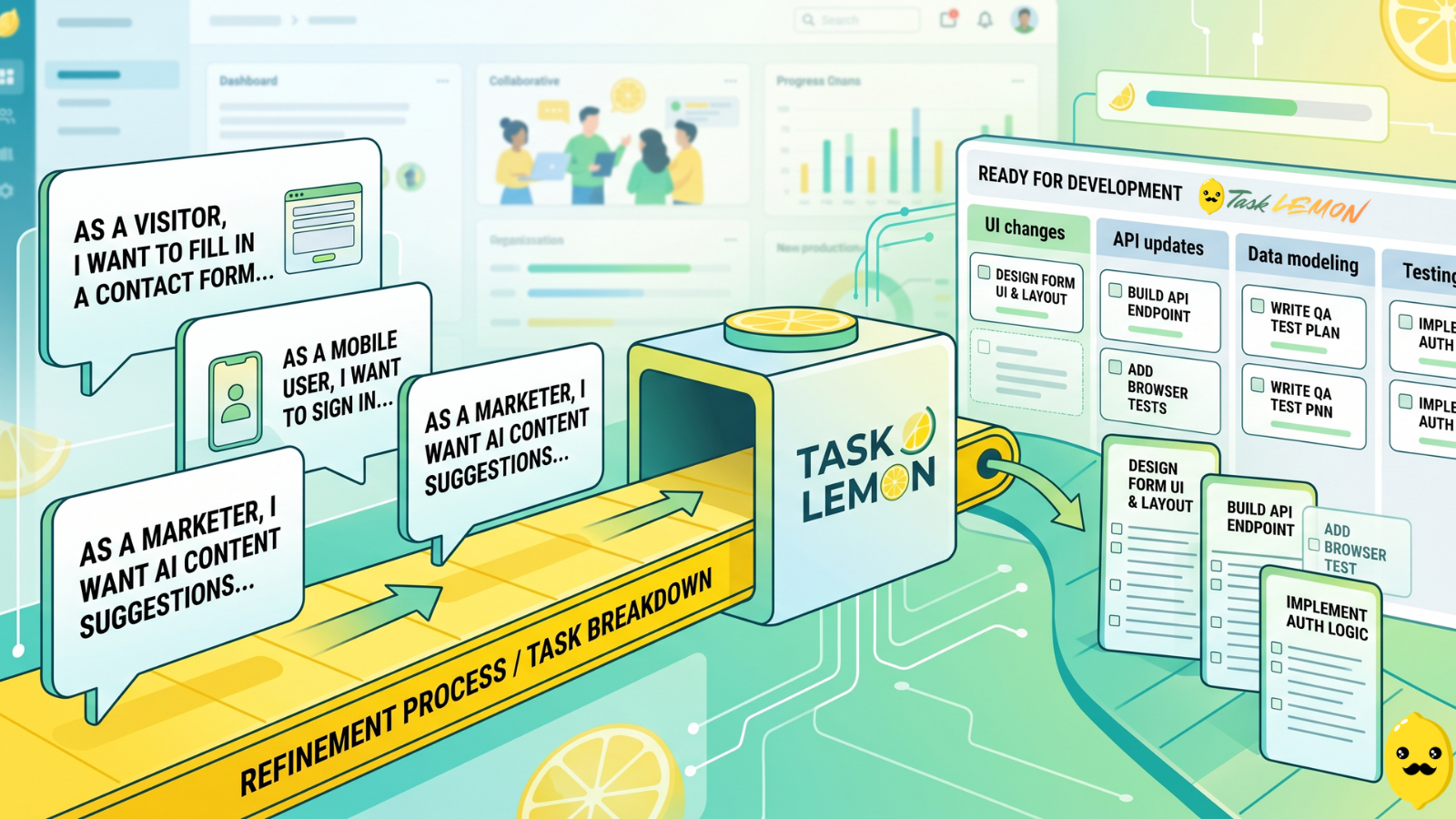
How To Turn User Stories Into Actionable Tasks In Task Lemon
Whether you are a freelancer, an agency, or a cross-functional product team, this guide shows you a repeatable, jargon-free way to take any user story and turn it into real, trackable tasks. Read on to discover how to set up your workflow, slice work vertically, and move your next big idea from the backlog to a shipped feature.

Mastering Project Management for Dev Teams: Collaboration, Fewer Mistakes, Higher Productivity
Learn how to build a lightweight project blueprint, break features into clear, manageable tasks, and adopt short development cycles to keep your team aligned. Plus, discover how using simple tools like Task Lemon can help you visualize progress, catch bugs early, and boost real productivity.
5 Ways Kanban Boards Transform Team Productivity
Discover how visual task management with Kanban boards can help your team work smarter, eliminate bottlenecks, and ship projects faster.