
Custom Workflows: Making Project Management Fit Your Team
Every team works differently. Learn how to customize task statuses, types, and workflows so your tools match your process—not the other way around.
One Size Doesn't Fit All
Generic task management systems force everyone into the same workflow: To Do → In Progress → Done. But real teams don't work that way.
Design teams need review stages. Development teams track bugs differently than features. Marketing teams have approval processes. Everyone's workflow is unique.
Custom Task Statuses
The backbone of any workflow is status progression. TaskLemon lets you create custom statuses that match exactly how your team works.
Development team example:
- Backlog
- To Do
- In Progress
- Code Review
- Testing
- Ready for Deploy
- Deployed
Content team example:
- Ideas
- Outline
- First Draft
- Editing
- Final Review
- Scheduled
- Published
Different processes, different statuses. Your board should reflect your reality.
Custom Task Types
Not all tasks are created equal. Tracking a bug is different from building a feature or writing documentation.
Create task types that match your work:
- Feature
- Bug
- Documentation
- Research
- Design
- Infrastructure
Different types can have different workflows. A bug might skip the design phase, while a feature requires it.
Custom Priorities
Standard priorities work for most teams, but some need more granularity. Maybe you need "Urgent" between High and Critical. Or "Backlog" below Low for ideas you'll get to eventually.
TaskLemon's flexible system lets you define what priority levels make sense for your team.
Start Simple, Then Customize
When setting up a new project, start with default workflows. Use them for a week or two. Notice where the system doesn't match your process.
Then customize:
- Add statuses for stages that are missing
- Remove statuses nobody uses
- Rename statuses to match your terminology
- Create task types for common work categories
Workflows evolve. What works for a team of 3 might not work for a team of 10. Adjust as you grow.
Document Your Workflow
Once you customize your workflow, document it. Write down what each status means and when tasks should move between them.
This is especially important when onboarding new team members. Without clear definitions, people interpret statuses differently and chaos follows.
Real Team Examples
Agency workflow:
Proposal → Planning → Design → Client Review → Revisions → Development → Testing → Launch
Support team workflow:
New → Triaged → In Progress → Waiting for Customer → Resolved → Closed
Sales team workflow:
Lead → Qualified → Demo Scheduled → Proposal Sent → Negotiation → Won/Lost
Each team shaped TaskLemon to match their work. The software adapts instead of forcing everyone into the same mold.
Getting It Right
The best workflow is the one your team actually uses. If statuses are confusing or task types don't make sense, people ignore them and your system breaks down.
Involve your team in designing workflows. They'll tell you what's missing, what's unnecessary, and what names make sense.
Then build it in TaskLemon and watch productivity improve when tools finally match how work actually gets done.

TaskLemon Team
Content author at Task Lemon
Related Articles

Best Task Management Apps for 2026: A Practical Comparison
This guide compares personal and team oriented task management software for developers and growing teams. Review AI features, pricing, free access, and workflow fit before choosing your next task platform.
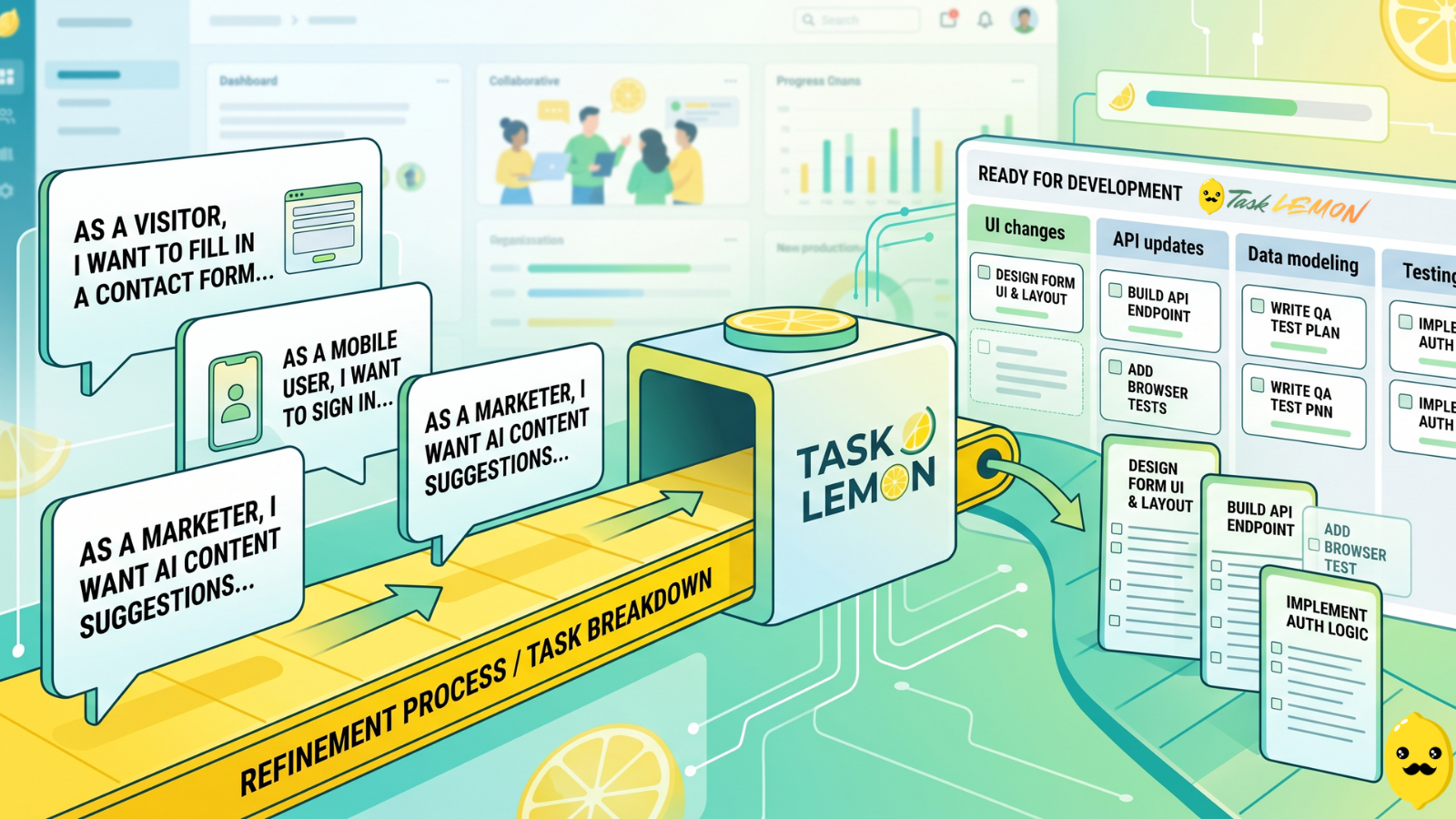
How To Turn User Stories Into Actionable Tasks In Task Lemon
Whether you are a freelancer, an agency, or a cross-functional product team, this guide shows you a repeatable, jargon-free way to take any user story and turn it into real, trackable tasks. Read on to discover how to set up your workflow, slice work vertically, and move your next big idea from the backlog to a shipped feature.

Mastering Project Management for Dev Teams: Collaboration, Fewer Mistakes, Higher Productivity
Learn how to build a lightweight project blueprint, break features into clear, manageable tasks, and adopt short development cycles to keep your team aligned. Plus, discover how using simple tools like Task Lemon can help you visualize progress, catch bugs early, and boost real productivity.