
Project Documentation: Why It Matters and How to Do It Right
Good documentation saves time, prevents confusion, and makes onboarding painless. Here's how to document projects without it feeling like a chore.
The Documentation Problem
Everyone agrees documentation is important. Nobody wants to write it. The result? Tribal knowledge, confusion, and new team members who have no idea where to start.
But documentation doesn't have to be painful.
Document as You Go
The biggest mistake is treating documentation as something you do "later." Later never comes. Instead, build documentation into your workflow.
Easy opportunities:
- When making a technical decision, write a brief note explaining why
- When setting up a process, create a checklist others can follow
- When solving a tricky problem, document the solution
- When onboarding someone, turn your explanations into guides
In TaskLemon, you can add documentation directly to projects. No need for separate wiki tools or shared drives—everything lives where the work happens.
Keep It Simple
Documentation doesn't need to be perfect. It needs to be helpful. A bulleted list beats no documentation every time.
Start with the basics:
- What is this project?
- Who's involved?
- What's the current status?
- Where can I find X?
- How do I do Y?
Answer these questions, and you've created useful documentation.
Make It Searchable
Documentation that can't be found might as well not exist. Organize information logically and use clear titles.
TaskLemon's project documentation feature makes information easy to find. Everything is attached to the relevant project, searchable, and accessible to authorized team members.
Update It Regularly
Outdated documentation is worse than no documentation—it actively misleads people. Schedule quarterly reviews to update or archive old docs.
Mark each doc with a "Last Updated" date so readers know if information might be stale.
Use Templates
Create templates for common documentation types:
- Project kickoff docs
- Technical design documents
- Meeting notes
- Process checklists
- Troubleshooting guides
Templates make starting faster and ensure you don't forget important sections.
What to Document
High-value documentation:
- Project goals and success criteria
- Key decisions and their reasoning
- Setup and configuration steps
- Common problems and solutions
- Important contacts and resources
Low-value documentation:
- Obvious information anyone could google
- Temporary details that change constantly
- Step-by-step guides for intuitive interfaces
- Comprehensive coverage of features no one uses
Focus your effort where it matters most.
Making It Stick
The best way to ensure documentation happens is making it easy and expected. When someone asks a question in chat, the response should be "Here's the doc" followed by a link.
If the doc doesn't exist, create it, then share the link. Over time, you build a knowledge base naturally.
With TaskLemon's built-in project documentation, you remove the friction of switching tools or finding where docs live. Document where you work, and it becomes part of how work gets done.

TaskLemon Team
Content author at Task Lemon
Related Articles

Best Task Management Apps for 2026: A Practical Comparison
This guide compares personal and team oriented task management software for developers and growing teams. Review AI features, pricing, free access, and workflow fit before choosing your next task platform.
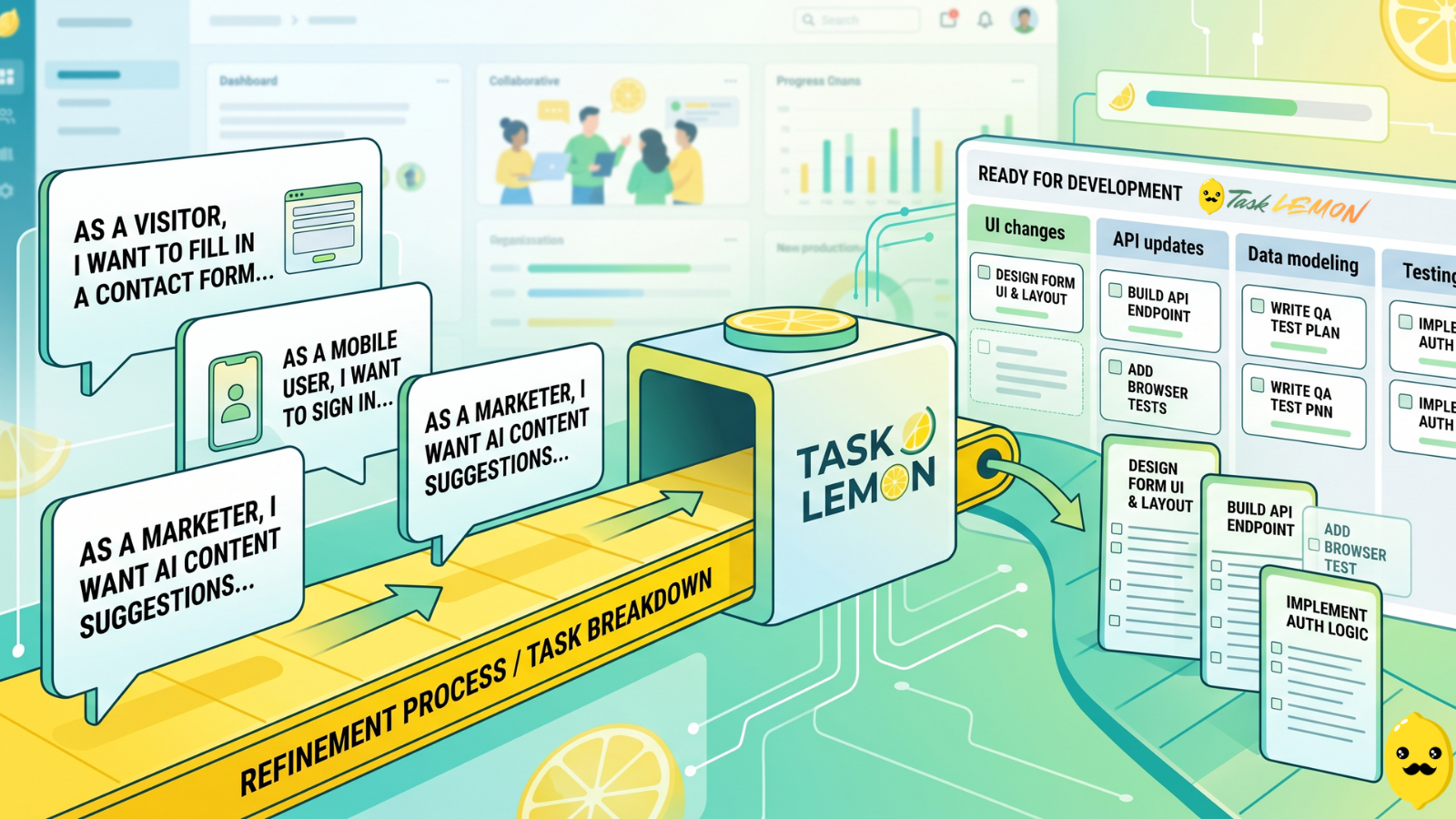
How To Turn User Stories Into Actionable Tasks In Task Lemon
Whether you are a freelancer, an agency, or a cross-functional product team, this guide shows you a repeatable, jargon-free way to take any user story and turn it into real, trackable tasks. Read on to discover how to set up your workflow, slice work vertically, and move your next big idea from the backlog to a shipped feature.

Mastering Project Management for Dev Teams: Collaboration, Fewer Mistakes, Higher Productivity
Learn how to build a lightweight project blueprint, break features into clear, manageable tasks, and adopt short development cycles to keep your team aligned. Plus, discover how using simple tools like Task Lemon can help you visualize progress, catch bugs early, and boost real productivity.