
Real-Time Updates: Why They Matter More Than You Think
Visual update indicators eliminate confusion and keep teams synchronized. Here's why explicit update awareness beats silent background syncing.
The Stale Data Problem
You're looking at a task board. A teammate updates a task. You don't see it. They think you saw it. You make decisions based on outdated information. Chaos ensues.
This happens constantly with project management tools. TaskLemon solves it differently than you might expect—and more thoughtfully.
Update Awareness, Not Auto-Refresh
When someone on your team updates a task, TaskLemon doesn't silently refresh your board. Instead, a red indicator appears on your refresh button.
This tells you: "Something changed. Ready to see it?"
You stay in control. No surprise context switches. No UI flickering while you're mid-drag. No losing your place because someone else moved something.
Click refresh when you're ready. The board updates. You see exactly what changed.
Why This Is Better
No surprise interruptions: When you're focused on planning work or updating a task, auto-refresh would yank the UI around. TaskLemon lets you finish your thought first.
You control timing: Maybe you're in the middle of explaining the board to someone. Or taking a screenshot. Or about to move three tasks. You don't want things changing underneath you.
Clear awareness: That red indicator is explicit. No wondering "is this current?" You know exactly when updates are waiting.
Better performance: Your browser isn't constantly redrawing the board. This keeps TaskLemon fast even on large projects.
Intentional collaboration: Refresh when you're ready to see changes, not when the system decides to show them to you.
What Triggers Update Indicators
The red refresh indicator appears when teammates:
- Create new tasks
- Move tasks between columns
- Change task status
- Update task details
- Add comments
- Modify assignments
- Update priorities or due dates
Basically, any change to the project board triggers the indicator. You always know when there's new information waiting.
The Collaboration Flow
Here's how it works in practice:
Developer: Moves "User Authentication" from "In Progress" to "Review"
You see: Red refresh indicator appears
You think: "Something changed, let me check"
You click: Refresh button
Board updates: You see the task in Review column
You act: Assign it to the QA person
Clear. Predictable. Under your control.
Better Than Silent Updates
Some tools silently sync changes. Sounds convenient, but creates problems:
- Lost context: You're looking at a task, it vanishes because someone deleted it
- Confusion: "Wait, I swear that was here a second ago"
- Performance issues: Constant re-renders slow everything down
- Merge conflicts: You both edit the same task simultaneously
TaskLemon's explicit approach eliminates these issues. You're never surprised. You're always in sync when you choose to be.
Real Teams, Real Benefits
Teams using TaskLemon report:
- "No more stale boards": That red indicator keeps everyone honest about refreshing
- "I can focus": No random UI changes breaking concentration
- "Clear communication": Easy to tell if you're looking at the latest state
- "Fast performance": Board stays responsive even with many users
This is especially powerful for remote teams. Everyone can work in their own rhythm while staying aware of team activity.
The Red Indicator Strategy
Some best practices:
Refresh before important decisions: Before moving critical tasks or making assignments, click refresh to ensure you have the latest state.
Refresh after focused work: Been heads-down writing subtasks for 20 minutes? Refresh to see what the team's been up to.
Refresh before standup: Get the current board state before your team meeting.
Don't ignore it: If the indicator is red, something changed. Check it regularly to stay in sync.
Multiple Users, No Conflicts
Even with explicit refresh, TaskLemon handles simultaneous edits well. If two people update different aspects of the same task, both changes merge correctly when you refresh.
The system is smart about merging changes without losing data or creating conflicts. You just refresh and see the combined result.
CoreHub-Level Synchronization
Within your CoreHub, all projects use the same update awareness system. The red indicator is consistent everywhere—whether you're viewing a Kanban board, a project list, or task details.
This consistency means you learn the pattern once and it works everywhere in TaskLemon.
Why Explicit Beats Automatic
Auto-syncing sounds modern and convenient. But for real work, explicit awareness is better.
You stay in control of your attention. You decide when to context-switch. You don't fight the UI for control of what you're looking at.
And that red indicator? It's honest. No guessing. No wondering. Just clear, reliable information about board state.
When you see that indicator, click it. Stay synchronized with your team. On your terms.

TaskLemon Team
Content author at Task Lemon
Related Articles

Best Task Management Apps for 2026: A Practical Comparison
This guide compares personal and team oriented task management software for developers and growing teams. Review AI features, pricing, free access, and workflow fit before choosing your next task platform.
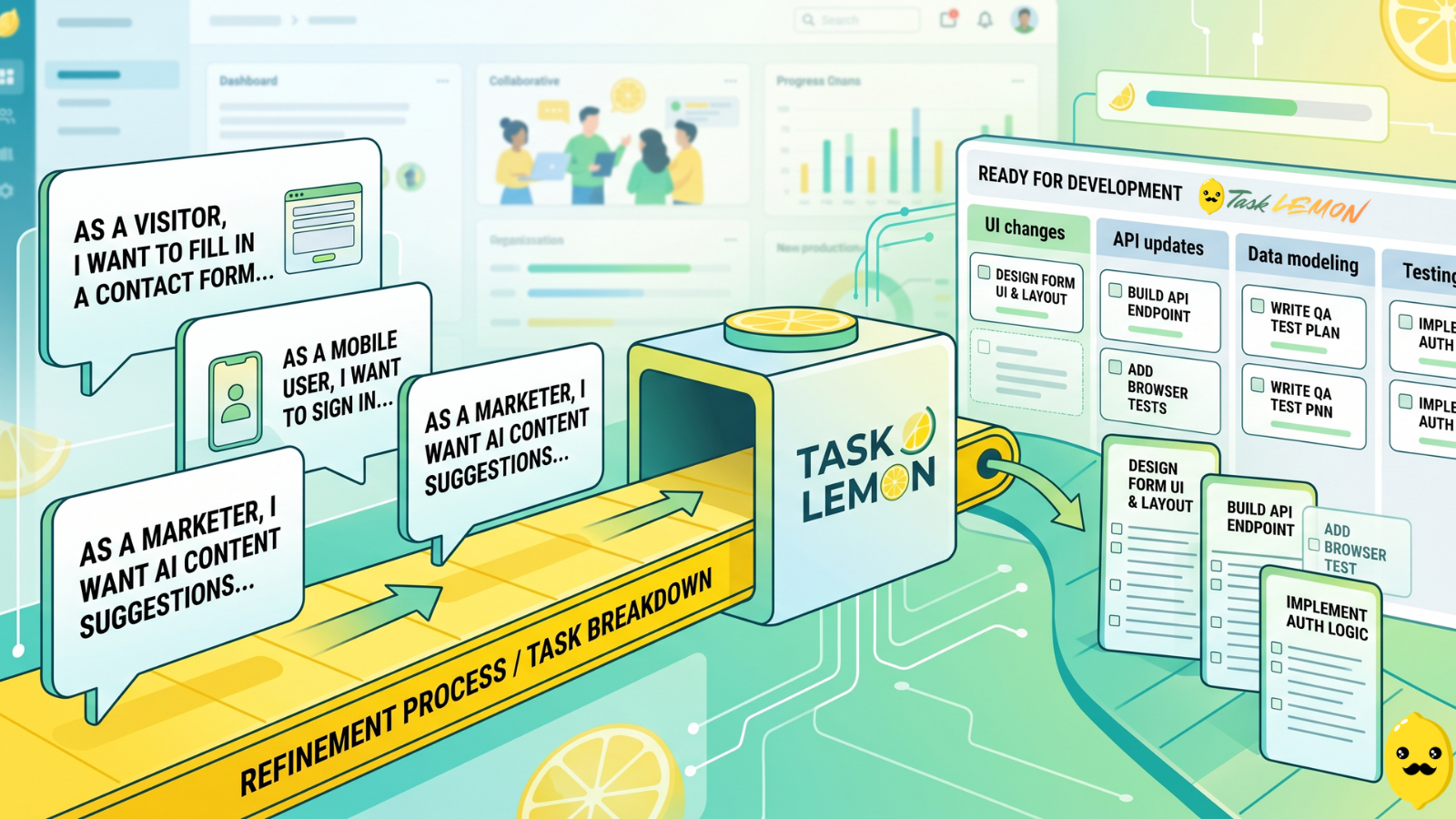
How To Turn User Stories Into Actionable Tasks In Task Lemon
Whether you are a freelancer, an agency, or a cross-functional product team, this guide shows you a repeatable, jargon-free way to take any user story and turn it into real, trackable tasks. Read on to discover how to set up your workflow, slice work vertically, and move your next big idea from the backlog to a shipped feature.

Mastering Project Management for Dev Teams: Collaboration, Fewer Mistakes, Higher Productivity
Learn how to build a lightweight project blueprint, break features into clear, manageable tasks, and adopt short development cycles to keep your team aligned. Plus, discover how using simple tools like Task Lemon can help you visualize progress, catch bugs early, and boost real productivity.