
Task Dependencies: Managing Complex Project Relationships
Some tasks can't start until others finish. Learn how to use Kanban workflows, statuses, and priorities to manage task dependencies in your projects.
Why Task Sequence Matters
Imagine starting to paint walls before the drywall is up. Or launching a marketing campaign before the product is ready. Some work simply can't happen out of order.
While TaskLemon doesn't use formal dependency graphs, it gives you powerful tools to manage task relationships through visual workflows, status columns, and strategic planning.
Using Kanban Columns for Dependencies
Your Kanban board structure creates natural workflow dependencies. When you set up columns like "Backlog → Ready → In Progress → Review → Done," you're defining the flow tasks must follow.
Example workflow:
- Design task moves to "Done"
- Development task can now move from "Backlog" to "Ready"
- Team pulls it into "In Progress" when capacity allows
The column structure shows at a glance what's blocking what. If development tasks are piling up in "Ready," you know design is moving faster than development capacity.
Status-Based Dependencies
In TaskLemon, you create custom statuses that match your workflow. These statuses represent stages in your process, and moving through them represents progress.
For sequential work:
- "Waiting for Design" status signals a blocker
- "Ready for Development" means prerequisites are complete
- "Blocked" status with a comment explains what's needed
Your status structure becomes your dependency map. Everyone sees which stage each task is in and what needs to happen next.
Priority and Due Dates for Critical Path
The critical path is the sequence of tasks that determines your project's timeline. If any critical task slips, the whole project slips.
In TaskLemon, use priorities strategically:
- Critical: Must complete on time—project depends on it
- High: Important but has some flexibility
- Medium/Low: Can slip without project impact
Set due dates on sequential tasks with realistic buffers. If Task A takes 3 days, don't schedule dependent Task B to start on day 4. Give yourself cushion for the unexpected.
Visual Workflow Dependencies
TaskLemon's Kanban board makes dependencies visible through positioning:
- Tasks in "Done" unblock work in "Ready"
- Bottlenecks show as column pile-ups
- Empty columns signal capacity issues
- Task ordering within columns shows sequence
Drag tasks to reorder them within a column. Top tasks are next up. Bottom tasks wait their turn. This simple positioning communicates priority and sequence.
Communication via Comments and Assignments
When you complete work that unblocks others, don't wait for them to notice. Use TaskLemon's built-in communication:
Move the task to "Done" and:
- Comment on the dependent task: "@developer Design complete, ready for development"
- Assign the next task to the right person
- Update task descriptions with outputs and context
Clear communication prevents tasks from sitting in "Ready" because nobody knew they were unblocked.
Planning Task Sequence in Your CoreHub
Before starting a project in your CoreHub:
1. Map the workflow: What stages will tasks go through?
2. Create matching statuses: Make your Kanban columns match real workflow stages
3. Plan task order: Break work into properly sequenced chunks
4. Set realistic dates: Account for handoffs and review cycles
5. Assign clearly: Everyone knows what they're responsible for
Practical Examples
Website Launch:
- Backlog: Design mockups → Client approval
- Ready: Development → Content creation
- In Progress: Testing
- Review: Staging review
- Done: Launch
Product Feature:
- Requirements gathering → Technical design (Done)
- Database changes → API development (Ready)
- Frontend development (Waiting)
- Testing → Deploy (Future)
Each status transition represents prerequisite work completing. The board shows exactly where everything stands.
Avoiding Bottlenecks
Watch for columns that fill up while others stay empty. This signals a bottleneck—work is getting stuck at that stage.
When you spot bottlenecks:
- Can you parallelize work differently?
- Do you need more capacity at that stage?
- Are tasks properly sized or too large?
- Is the handoff process clear?
Your Kanban board provides real-time feedback about workflow health. Use it.
Tools Help, Planning Matters More
TaskLemon gives you the structure—Kanban boards, custom statuses, priorities, comments, and assignments. But these tools don't replace thoughtful planning.
Take time upfront to map your workflow, create appropriate statuses, and plan task sequence. Then let your CoreHub's project boards make those relationships visible and trackable.
When everyone understands the workflow stages and sees the board state, projects flow smoothly and surprises decrease dramatically.

TaskLemon Team
Content author at Task Lemon
Related Articles

Best Task Management Apps for 2026: A Practical Comparison
This guide compares personal and team oriented task management software for developers and growing teams. Review AI features, pricing, free access, and workflow fit before choosing your next task platform.
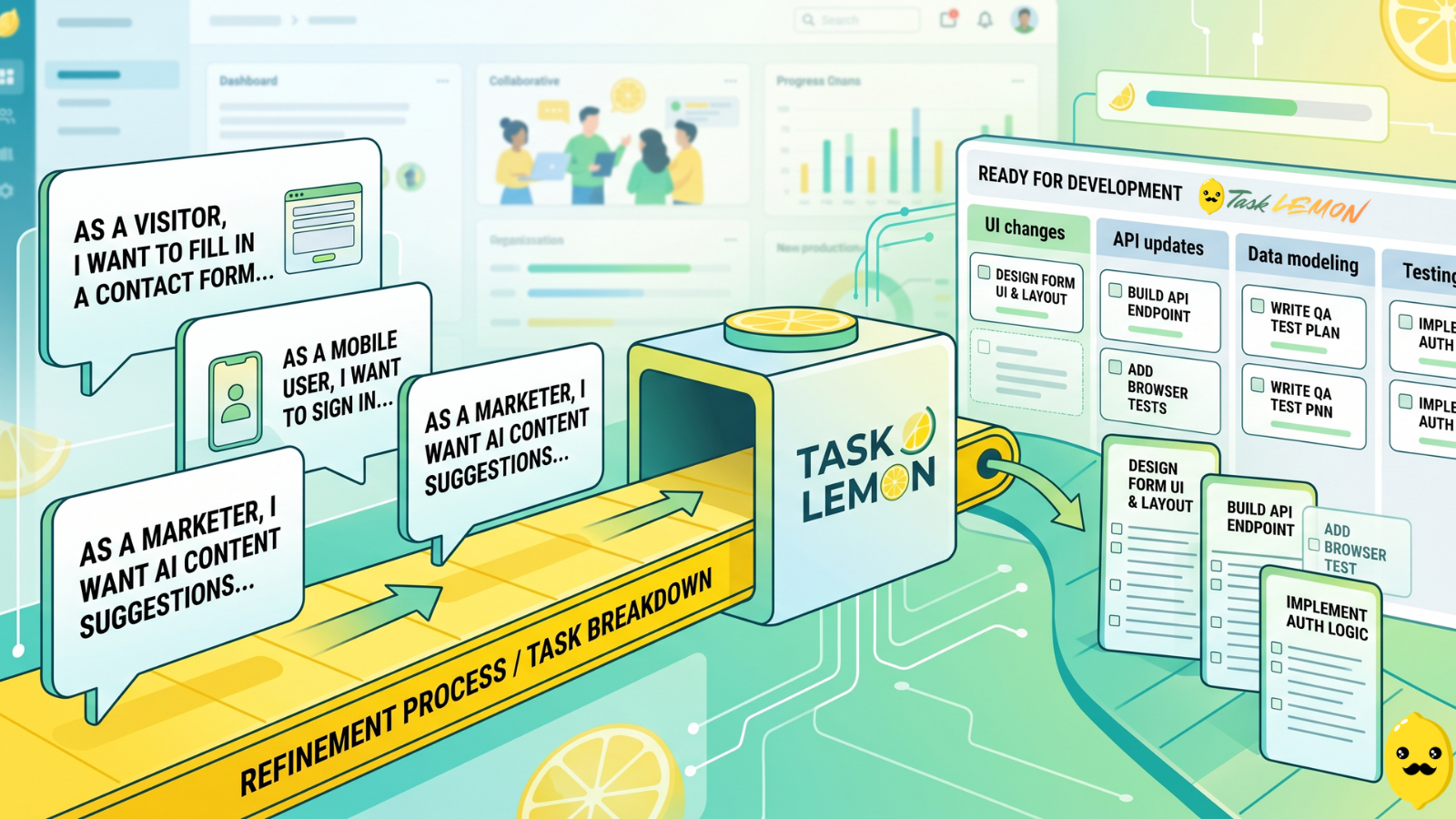
How To Turn User Stories Into Actionable Tasks In Task Lemon
Whether you are a freelancer, an agency, or a cross-functional product team, this guide shows you a repeatable, jargon-free way to take any user story and turn it into real, trackable tasks. Read on to discover how to set up your workflow, slice work vertically, and move your next big idea from the backlog to a shipped feature.

Mastering Project Management for Dev Teams: Collaboration, Fewer Mistakes, Higher Productivity
Learn how to build a lightweight project blueprint, break features into clear, manageable tasks, and adopt short development cycles to keep your team aligned. Plus, discover how using simple tools like Task Lemon can help you visualize progress, catch bugs early, and boost real productivity.